


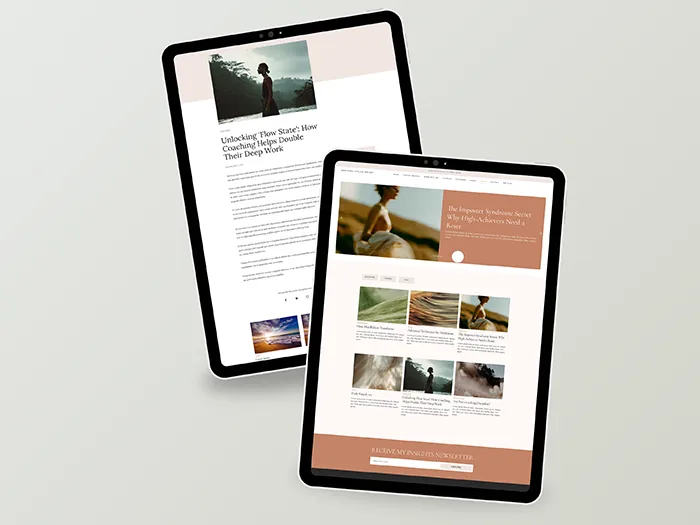

A wellness coach website template setup can genuinely cut your launch time from months to days, but it’s worth knowing exactly what those days involve before you buy.
This guide walks through what happens between purchase and a live site, so you can plan for it properly instead of guessing.
Why practitioners choose a wellness coach website template over a custom build
Building a website from nothing means making dozens of decisions before you’ve written a single word of your own content: layout, color palette, typography, page structure, navigation logic, and how everything behaves on mobile. Most of that work has nothing to do with your practice and everything to do with web design, which is exactly why it tends to stall people for weeks or months.
A template removes all of that. The design and structure decisions are already made, tested, and built to work together. What’s left is the part that’s actually yours to do: your words, your photos, and connecting the tools your practice already uses. That’s a meaningfully smaller job, but it’s worth being clear that it isn’t a zero-effort one either.
What a wellness coach website template setup actually involves
Once you import the template into Systeme.io, the pages exist but they’re not yet personal to you. Setup breaks down into a few distinct stages, and it helps to think of them separately rather than as one big task.
The first stage is content. Every page currently has placeholder text and stock imagery, and your job is to replace it with your own. For most people, the About page takes the longest here, since describing your own practice honestly and clearly is genuinely harder than it sounds, even for people who are comfortable writing.
The second stage is visual. Swapping in your own photography, adjusting colors if needed, and making sure your branding feels consistent across every page rather than just the homepage.
The third stage is technical, though it’s lighter than it sounds. Connecting your booking calendar so sessions sync properly, setting up your payment processor if you’re taking bookings or selling digital products directly, and pointing your domain or a subdomain at your new site.
A realistic timeline, stage by stage
Treat this as a project to sit down with over five days, not a single afternoon task. A rough breakdown that holds up for most people:
Days one and two. Import the template and write your core page copy, home, about, and services. This is the stage where having your practice’s messaging already worked out beforehand, even just in a notes document, saves the most time.
Day three. Photos and visual adjustments. Replace stock imagery with your own, check your color and font choices feel right, and review how everything looks on a phone screen, since most visitors will see your site there first.
Days four and five. Connections and checks. Sync your booking calendar, confirm your payment setup, connect your domain or subdomain, and do a full click-through of every page before you publish.
Some people move faster than this, particularly if their practice messaging is already settled. Others take longer, usually because the writing stage takes more thought than expected. Both are normal.
You don’t need every page finished before you launch
One assumption that slows people down unnecessarily is thinking the whole site has to be complete before it goes live. It doesn’t. A full template, with home, about, services, courses, waitlist, and a blog, can go live with just the core three: home, about, and services. Everything else, your course pages, your blog, your waitlist, can be built out later as your offerings actually develop, rather than delaying your entire launch waiting for content you don’t need yet.
This matters more than it might seem. Waiting for a “finished” site before launching is one of the most common reasons practitioners never launch at all. A live, simple site is worth more than a perfect one that’s still sitting in draft.
What tends to slow down a wellness coach website template setup
In practice, the two most common delays aren’t about the template itself. The first is writing your own about page copy, since it requires describing your own approach and experience in a way that feels both honest and clear, which is a different skill from writing about someone else’s business. The second is booking calendar setup on the first attempt, usually a small permissions or connection step that’s easy to fix but easy to trip over if you’re rushing.
Neither of these is complicated on its own. Both simply benefit from being done without rushing, which is part of why planning five days rather than a single sitting makes the whole process smoother.
Is a wellness coach website template setup right for you
This isn’t the right fit for everyone, and it’s worth being honest about that before you buy. If you need highly custom booking logic, specific third-party integrations beyond what Systeme.io supports natively, or your brand identity is built around something no pre-made layout could reflect, a bespoke build from a developer is the better route.
If you want to look established quickly, without a multi-week custom process or a developer’s day rate, and you’re comfortable spending five focused days on your own content and photos, this is exactly what a wellness coach website template setup is built for.
What you actually need before you start
Content ready to go. Your services clearly defined, photos of yourself or your work, any testimonials or client feedback you have, and a clear idea of what you want visitors to do first, book a call, join your waitlist, or download your free guide.
Technical basics. A domain name if you don’t already have one, and an active Systeme.io account, free or paid.
Five days set aside. Not five full working days, but five days where you can realistically give it an hour or two without rushing.
Getting help when you need it
If you’re building on Systeme.io specifically, their help documentation covers platform-specific setup steps, like domain connection and calendar syncing, in more depth than any template guide can. It’s worth having open in a second tab while you work through the technical stage.
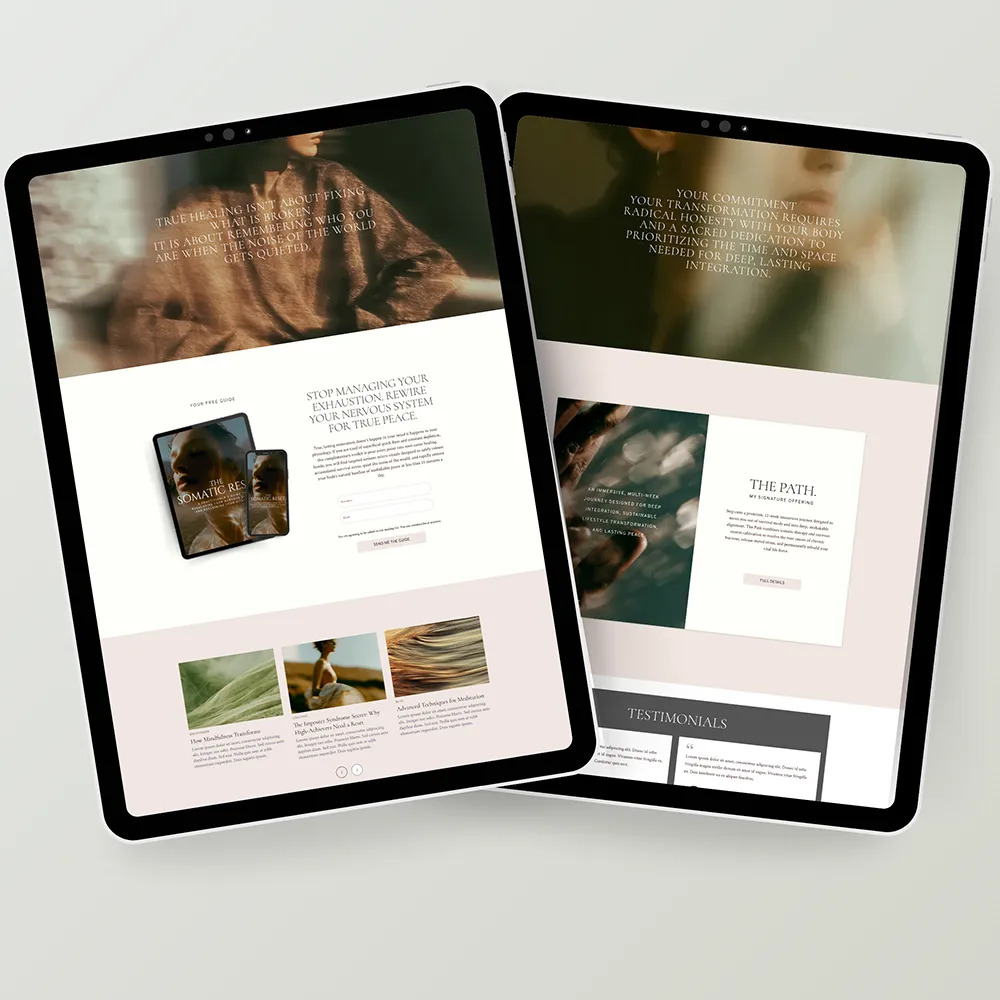
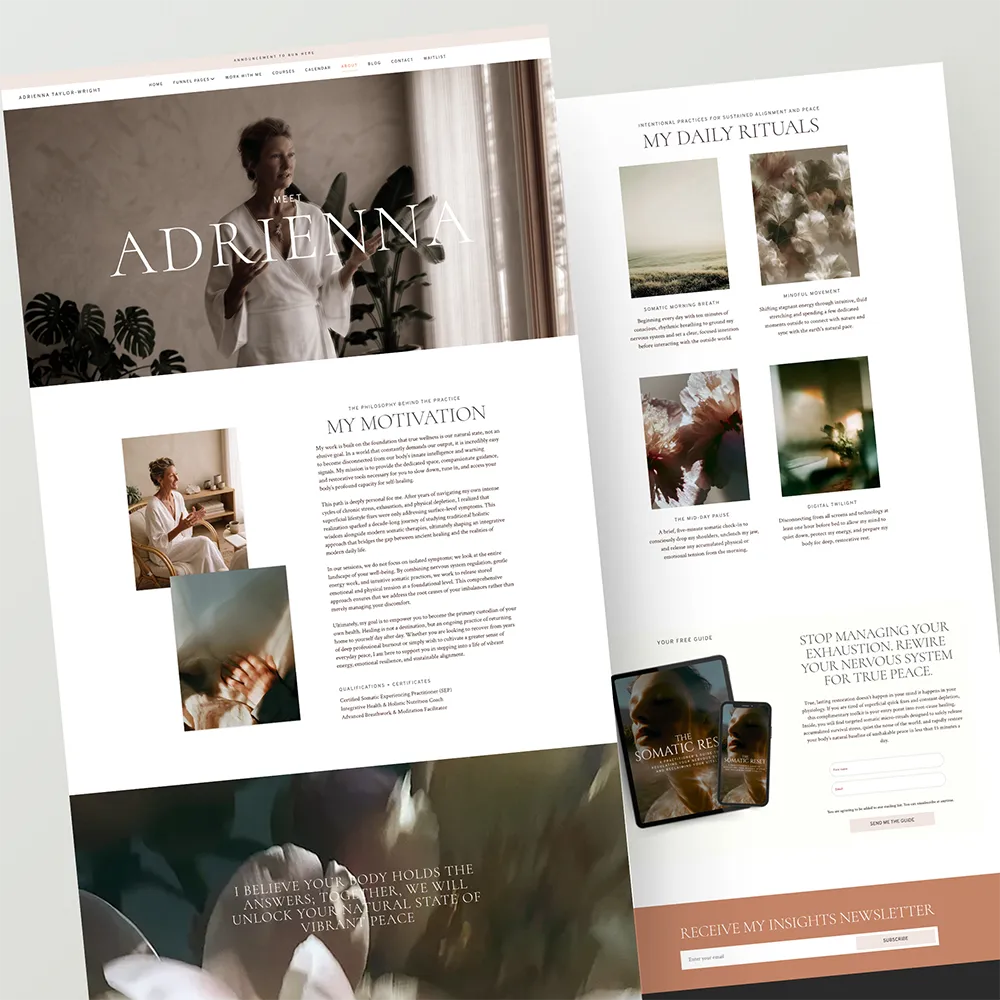
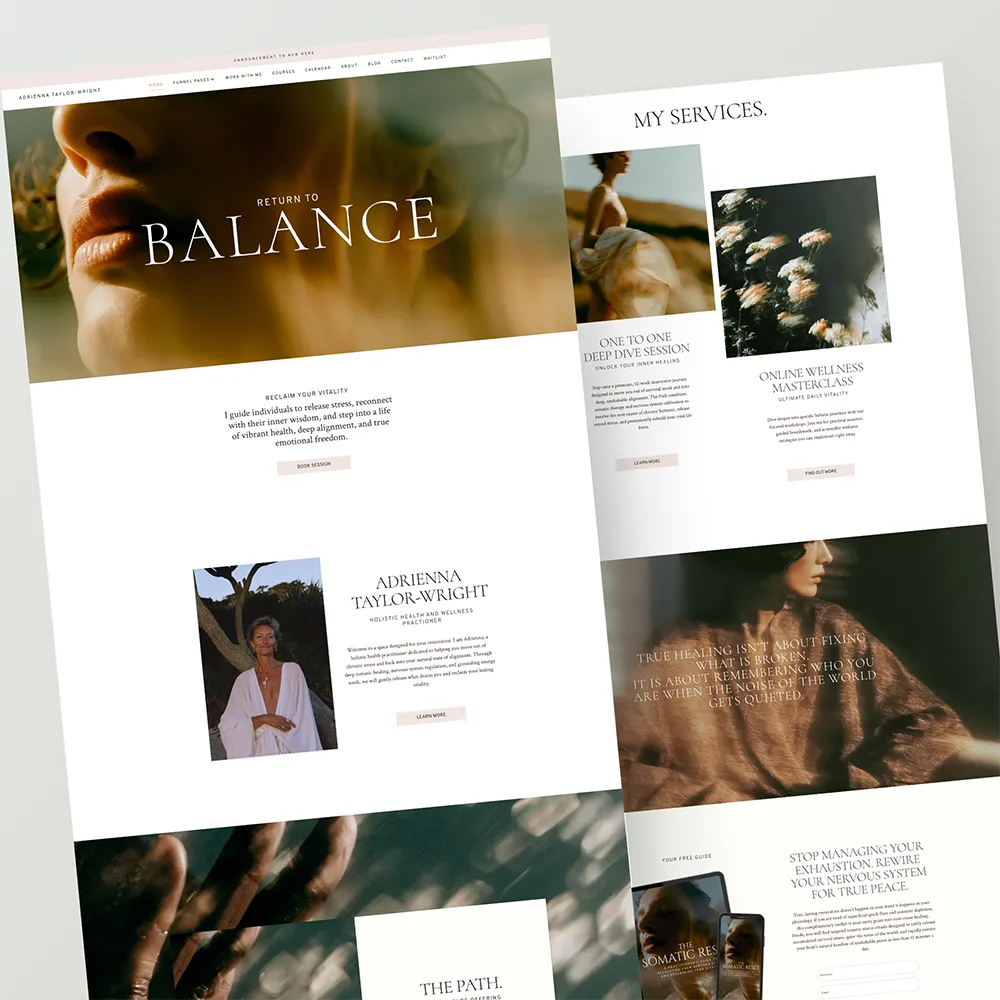
If you’re ready to see what a wellness coach website template looks like in practice, the full page walkthrough is worth a look before you commit to a build.
Support that doesn’t stop at purchase
Every Alter Edit website and funnel template ships with a launch guide and setup checklist, so you’re never starting from a blank instruction sheet either. And because these templates are built on Systeme.io, you also have the platform’s own documentation and support team behind you for anything specific to hosting, domains, or automations. A wellness coach website template setup gets you a finished design, but you’re not figuring out the rest of it alone.