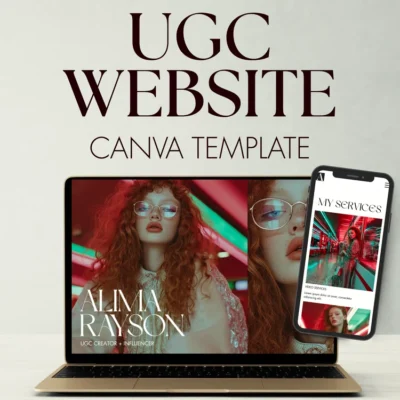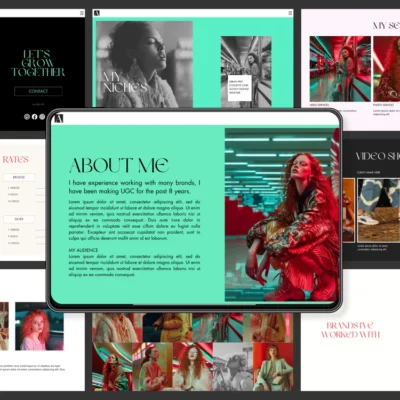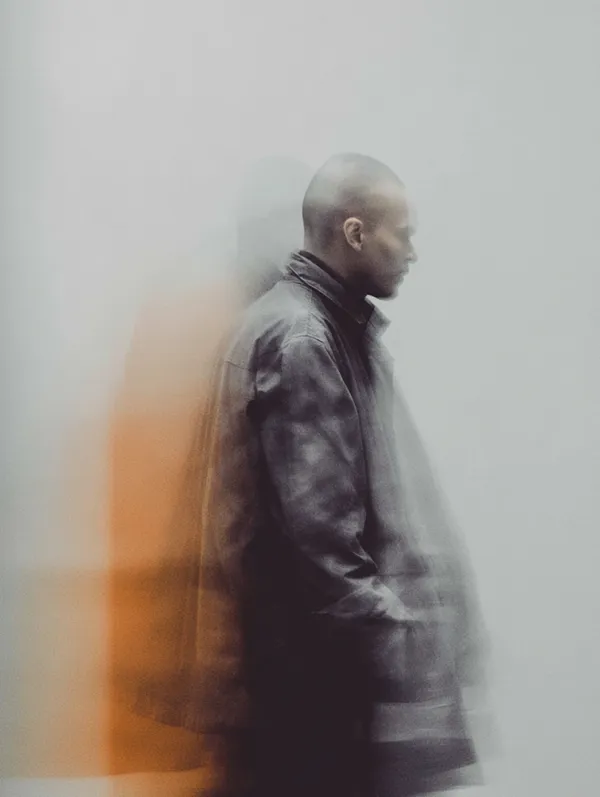
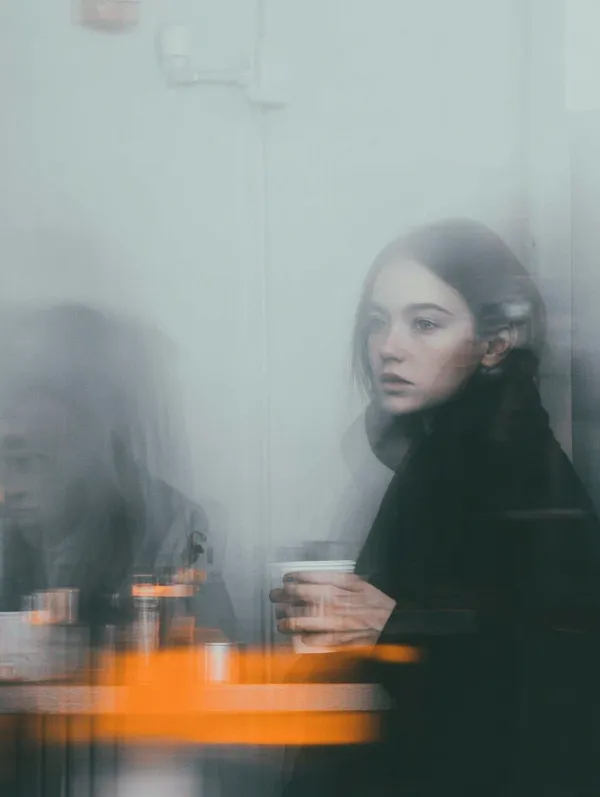
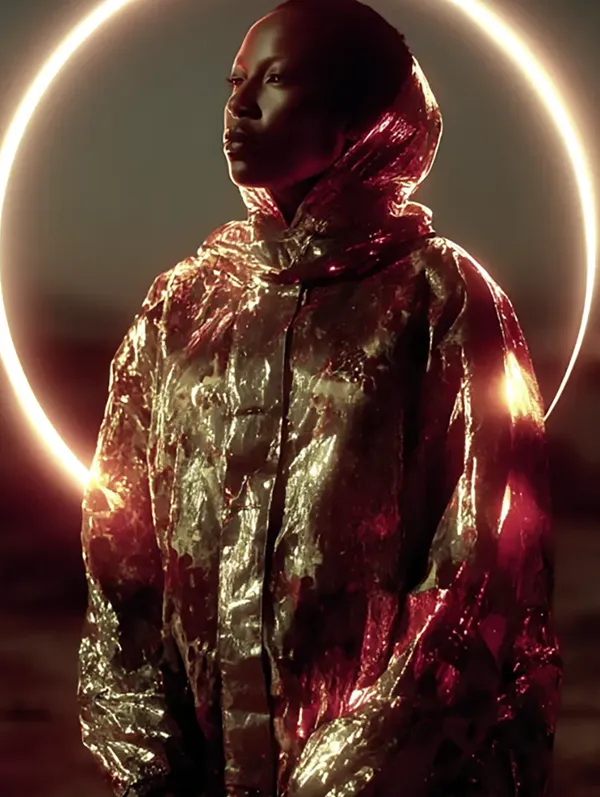
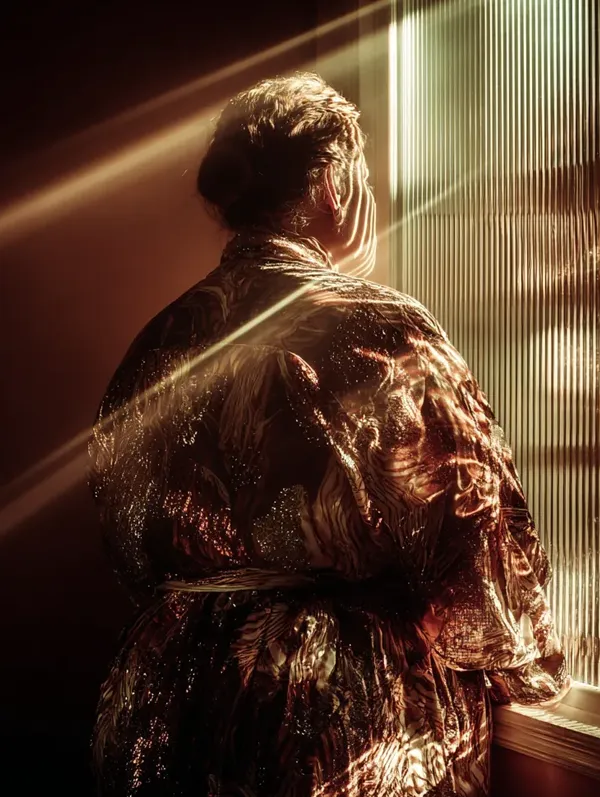


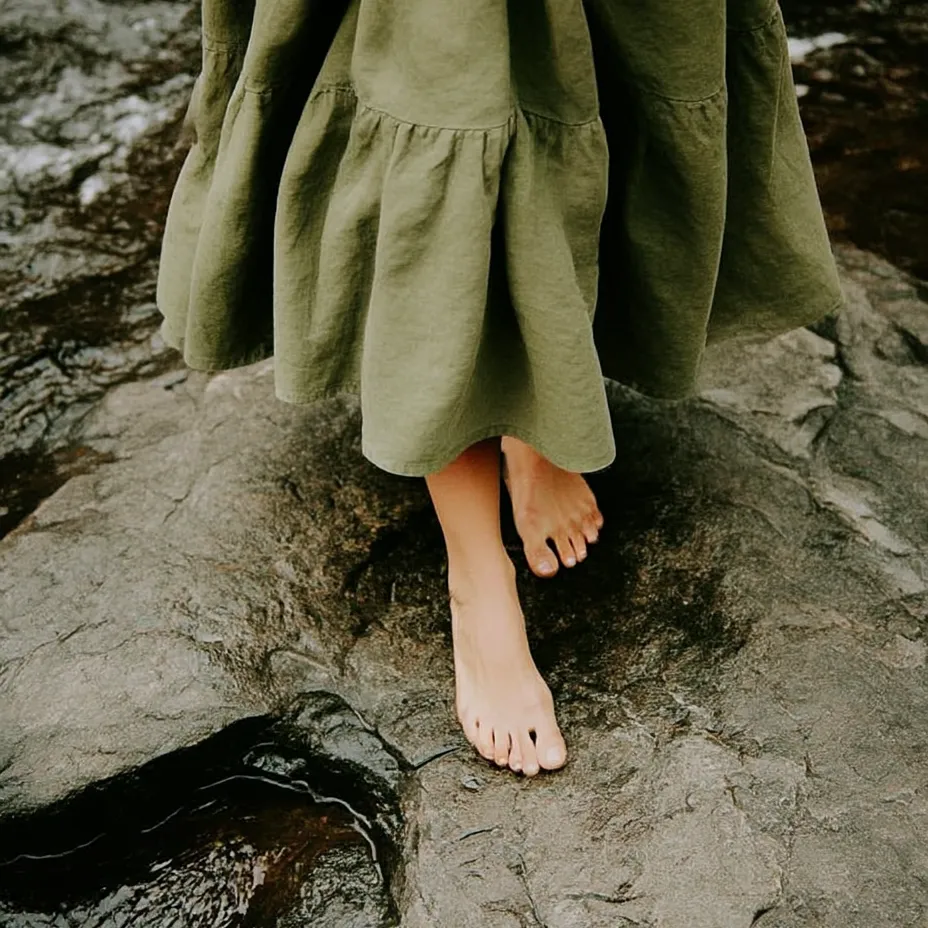


A design essential for your brand in 2025 is establishing a Midjourney Style Reference (–sref). This tool isn’t just another AI feature, it’s a cornerstone of modern branding strategy. By defining your brand’s visual identity within Midjourney, you can ensure that every piece of AI-generated content aligns with your unique style.
As brands increasingly rely on AI-generated visuals to create content at scale, having a defined –sref becomes critical. It enables consistent design across platforms, streamlines workflows, and enhances your brand’s ability to stand out in a competitive digital landscape.
But Midjourney isn’t the only platform that offers tools to support visual consistency. This post explores the significance of an sref, how to build one from scratch, and how it compares to other platforms.
Why Does Your Brand Need an sref?
1. Consistency Is Non-Negotiable
We interact in a visually saturated environment, audiences are exposed to thousands of images every day. Consistency is the thread that holds your brand’s visual identity together, ensuring it’s recognisable no matter where it appears.
A –sref allows you to standardise essential design elements such as:
- Color palettes: Reflecting your brand’s mood and identity.
- Textures and lighting: Adding depth and coherence across visuals.
- Overall aesthetic: Tying everything back to your core brand style.
When visuals look cohesive, your brand instantly feels more polished, reliable, and professional.
2. Streamline the Creative Process
Reworking designs that don’t align with your brand is a drain on time and resources. Using an sref allows you to generate visuals that are on-brand from the start.
By reducing the back-and-forth in design iterations, you:
- Save your creative team hours of manual adjustments.
- Free up resources to focus on strategy and innovation.
- Maintain speed-to-market without compromising on quality.
3. Build Emotional Connections
Visual consistency isn’t just about appearances. It’s about trust and emotional resonance. A cohesive visual language:
- Fosters recognition: Audiences remember brands that look familiar.
- Deepens engagement: Consistency reinforces your brand’s values and identity.
- Builds loyalty: A reliable visual identity builds trust over time.
What Is an sref, Technically?
The –sref (style reference) parameter tells Midjourney to extract visual style characteristics from one or more reference images and apply them to newly generated outputs. It works differently from a subject reference (–cref, which controls character or subject likeness). The sref specifically focuses on aesthetic qualities: colour tone, surface texture, lighting mood, compositional style, and overall visual atmosphere.
It does not copy the composition or content of your reference image. It reads the stylistic DNA and transfers that quality to whatever subject your prompt describes. This distinction matters: a photo of your product packaging used as an sref will not generate packaging. It will generate images that share the visual character of that packaging.
How to Build Your Midjourney Style Reference: Step by Step
The examples below use the Midjourney web app at midjourney.com, which is where most users work now. If you are on Discord, prefix every prompt with /imagine before the subject text. Everything else is identical.
Step 1: Define your visual DNA before you touch Midjourney
Your sref is only as strong as the reference material behind it. Before opening the Midjourney web app, spend time curating a precise mood board. Gather between 5 and 15 images that represent your brand at its most visually coherent. Look for:
- Consistent colour temperature (cool, warm, neutral)
- A shared lighting quality (soft diffused, high contrast, flat and editorial)
- A surface texture register (clean and minimal, organic and tactile, moody and layered)
- A compositional preference (centred and symmetrical, asymmetric and editorial, loose and atmospheric)
Avoid pulling images from multiple conflicting aesthetics. If half your references are clean and Scandinavian and the other half are dark and maximalist, Midjourney will average them into something that belongs to neither world. Coherence in your reference bank produces coherence in your outputs.
Step 2: Host your reference images
Midjourney requires a direct image URL to use as an sref. The easiest method in the web app is to drag and drop your image directly into the prompt field. Midjourney hosts it automatically and generates the URL in the background. Alternatively:
- Use a public image hosting service: Platforms like Imgur or your own website work provided the URL resolves directly to the image file.
- On Discord: Drag your image into any channel, click it to open, then right-click and copy the image URL. This URL ends in .jpg, .png, or similar.
Avoid using URLs from platforms that serve images behind authentication walls or that do not resolve to a raw image file. If the URL ends in a file extension, it will work. If it ends in a page path or parameter string, it likely will not.
Step 3: Write your first sref prompt
Type your subject prompt directly into the prompt field in the web app, then add the –sref parameter followed by your image URL:
a woman working at a minimal desk, natural light, lifestyle photography --sref https://yourimageurl.com/reference.jpgMidjourney will generate an image of the described subject rendered in the visual style drawn from your reference. The subject is defined by your words. The style is defined by your reference image.
Step 4: Use multiple references to build a richer style blend
You can pass multiple image URLs to the –sref parameter, separated by spaces. Midjourney will blend the stylistic qualities of all referenced images:
a flat lay of brand objects on linen --sref https://url1.com/image1.jpg https://url2.com/image2.jpg https://url3.com/image3.jpgWhen using multiple references, the blend is approximately equal unless you apply style weights (covered in the next step). A practical approach is to start with two or three references that each represent a different but compatible aspect of your brand aesthetic: one for colour and tone, one for texture and surface, one for compositional mood.
Step 5: Control influence with style weights (–sw)
The –sw parameter controls how strongly the style reference influences the final output. The range runs from 0 to 1000, with a default of 100.
- –sw 25 to 50: Subtle influence. The style is a quiet undercurrent. Your text prompt dominates. Useful when you want a light tonal nod to your brand without the reference overriding creative variation.
- –sw 100 (default): Balanced influence. Text prompt and style reference share roughly equal weight. A solid starting point for most brand work.
- –sw 200 to 500: Strong influence. The style reference becomes the dominant visual driver. Useful when you need high fidelity to a specific aesthetic and are less concerned with precise subject rendering.
- –sw 750 to 1000: Maximum influence. The reference style is applied heavily. Prompts at this weight can feel closer to a stylistic transformation than a generation. Use with caution and strong, clean reference images.
Example with explicit weighting:
a product shot of a glass bottle, clean white background --sref https://yourimageurl.com/reference.jpg --sw 200When combining multiple references, you can apply individual weights to each URL using double colons. This syntax tells Midjourney to weight the first reference at 200 and the second at 50:
editorial portrait, studio setting --sref https://url1.com/image1.jpg::200 https://url2.com/image2.jpg::50Step 6: Combine –sref with other Midjourney parameters for full control
The sref parameter works alongside Midjourney’s full parameter set. Useful combinations for brand work include:
- –sref + –ar: Set aspect ratio to match your output format. Use –ar 4:5 for Instagram feed, –ar 9:16 for Stories and Reels, –ar 16:9 for YouTube or web banners.
- –sref + –style raw: Switches off Midjourney’s default aesthetic processing and applies your reference style more directly. Useful when you want the output to feel less Midjourney-stylised and more grounded in your reference material.
- –sref + –chaos: Introduces variation in how the style is interpreted across the four generated images. A –chaos value of 20 to 40 gives useful creative variation while staying within your reference style range.
- –sref + –no: Use the –no parameter to exclude unwanted visual elements. For example, if your references pull in a warm orange tone you want to suppress: –no orange, warm tones.
Step 7: Save your best outputs as secondary references
Once you produce generated images that accurately represent your brand aesthetic, save them and use them as additional sref inputs in future prompts. Over time, this creates a self-reinforcing loop: your reference bank evolves and tightens as you accumulate outputs that have already passed your own quality filter. The longer you work with a curated sref bank, the more reliably consistent your outputs become.
Common Mistakes When Building an sref
- Using low-resolution references: Midjourney extracts more accurate style data from high-resolution images. Compress them if needed for upload speed but do not use heavily degraded files.
- Mixing stylistic registers: A reference bank containing both photographic realism and flat graphic illustration will produce inconsistent results. Keep your references within the same visual register.
- Over-relying on a single reference image: One image gives Midjourney limited style data. Two to four complementary references typically produce more robust and versatile outputs.
- Ignoring prompt quality: The sref governs style but your prompt governs subject, composition, and context. A vague prompt with a strong sref still produces vague results. Treat prompt writing and reference curation as equally important inputs.
- Setting –sw too high early: Starting at 500 or above before you understand how your references behave makes diagnosis difficult. Begin at the default 100, then increase or decrease based on what you observe.
What Makes Midjourney’s Style Reference Stand Out?
Midjourney’s –sref is a unique tool that enables brands to define a consistent aesthetic across AI-generated visuals.
Precise Style Application
Using –sref, you can reference specific images or sets of images that encapsulate your brand’s style. This ensures that the generated visuals adhere to your desired look and feel.
Style Weighting Flexibility
With the –sw parameter, you can control how strongly the reference style influences the generated output. This level of customisation is invaluable for fine-tuning designs to precisely align with your brand’s identity.
Support for Multiple References
Midjourney allows you to combine multiple style references, blending them to create richer and more dynamic visuals while maintaining consistency.
How Does Midjourney Compare to Other Platforms?
While Midjourney excels in style referencing, other platforms offer complementary tools for achieving visual consistency.
1. Leonardo.AI
- Features: Allows users to upload reference images and create fine-tuned models tailored to specific aesthetics.
- sref Comparison: Offers customisation but lacks the granular control of Midjourney’s style weights and multiple reference blending.
- Best For: Quick and user-friendly customisation for those without technical expertise.
2. Adobe Firefly
- Features: Integrates with Adobe’s Creative Cloud, allowing brands to maintain consistency through predefined colour palettes, fonts, and brand elements.
- sref Comparison: Indirectly achieves consistency but lacks a direct style reference feature like –sref.
- Best For: Teams already embedded in Adobe workflows who need commercial-grade outputs.
3. DreamStudio (Stable Diffusion)
- Features: Generates style-guided outputs using reference images and offers advanced customisation.
- sref Comparison: Requires more manual iteration and lacks the automation of Midjourney’s sref.
- Best For: Experienced users comfortable with prompt engineering.
4. DALL-E 3
- Features: Produces creative, high-quality visuals based on descriptive prompts and reference images.
- sref Comparison: Does not include a specific style reference feature but provides flexibility through text-to-image prompts.
- Best For: Brands seeking innovative visuals without strict style adherence.
Incorporating Other Tools into Your Workflow
While Midjourney’s sref is a powerful feature, combining it with other tools like Adobe Firefly or Leonardo.AI can further enhance your creative process. Use Adobe Firefly for commercial-grade designs that integrate with your existing branding assets. Leverage Leonardo.AI for fine-tuned model creation when you need more tailored outputs.
Set Your Brand Apart in 2025
As AI continues to transform content creation, the brands that hold ground will be those that treat visual consistency as infrastructure rather than an afterthought. A Midjourney Style Reference is not a shortcut. It is a systematic approach to building a recognisable, coherent, and scalable visual identity at the pace modern content demands.
Pair it with complementary tools like Adobe Firefly, Leonardo.AI, and DreamStudio, and you have a production toolkit capable of maintaining brand standards across every format and platform you operate on.
If you want to go deeper on building a production-ready Midjourney workflow for your brand, the Midjourney Mastery System covers everything from prompt architecture to building a reusable style system. Or if you have a specific project in mind, get in touch.